Skip to content
Fix a Printer
Menu

Topics

Paper jams and paper feeding problems

How to clear paper jams safely, fix false jam errors and get a printer that will not pick up paper feeding again.
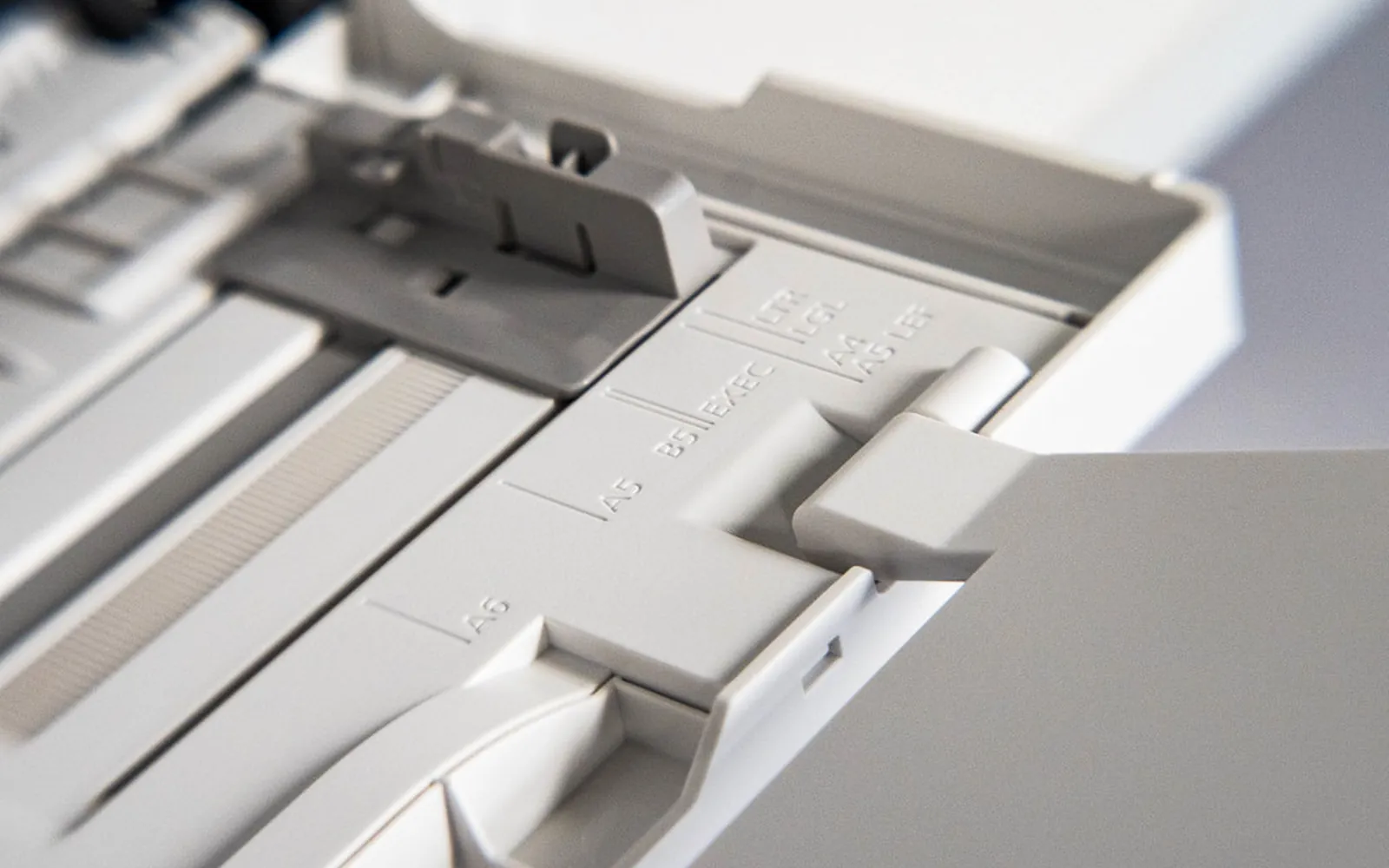
Paper in a printer tray with adjustable guides, which must match the tray size setting
Paper jams and feeding Printer paper size mismatch error: how to match the document, driver and tray Printer showing a paper size mismatch error, or asking for A4 when Letter is loaded? Match the document, driver and tray settings and stop it coming back. October 17, 2026
Stack of paper in a printer tray, where page order depends on how sheets stack
Paper jams and feeding Printer printing in reverse order: how to get pages and copies in the right sequence Printer printing in reverse order, last page first, or copies not collated? Fix page order in the driver, Word, PDF readers and Mac print dialog, step by step. October 16, 2026
Sheets of paper feeding into a printer
Paper jams and feeding How to clean printer rollers safely and fix paper feeding problems How to clean printer rollers: find the pickup and feed rollers, use water and a lint-free cloth, run the cleaning mode and know when to replace worn rollers. October 15, 2026
Printer opened up on a workbench for repair
Paper jams and feeding Printer making a grinding noise: how to find the cause safely Printer making a grinding or clicking noise, or a carriage jam? Learn which sounds are normal, check for objects and packing, and know when to get help. October 15, 2026
Paper tray with adjustable paper guides
Paper jams and feeding Printer printing skewed or crooked: how to straighten your pages Printer printing skewed or crooked pages? Set the paper guides, load one paper type, avoid overfilling, clean rollers, and check copies and duplex separately. October 15, 2026
Sheets of paper being fed into the rear tray of a home printer
Paper jams and feeding Printer pulling multiple sheets: why it double feeds and how to stop it Printer pulling multiple sheets at once? Fan the paper, fix overfilled trays, damp or mixed stock, then clean or replace the separation pad and pickup rollers. October 15, 2026
Office laser printer with its paper path and trays visible
Paper jams and feeding Printer says out of paper when paper is loaded: what to check Printer says out of paper but the tray is full? Check the tray chosen in the print dialog, paper size, tray seating, the paper sensor and the pickup rollers. October 15, 2026
Sheets of paper feeding into a printer
Paper jams and feeding Printer wrinkling or creasing paper: causes and fixes Printer wrinkling paper or leaving creases? Check for damp paper, the paper type setting, tray guides and rollers, envelopes on laser printers and the fuser. October 15, 2026
Sheet of paper feeding into the front tray of a desktop printer
Paper jams and feeding How to clear a paper jam safely How to clear a paper jam in an inkjet or laser printer: power off, open the right doors, pull in the paper direction, find torn scraps and stop repeat jams. October 14, 2026
Printer paper tray with adjustable paper size guides
Paper jams and feeding Printer not picking up paper: how to fix it Printer not picking up paper or pulling several sheets at once? Check the stack, guides, tray settings and rollers, then clean or replace the pick-up roller. October 14, 2026
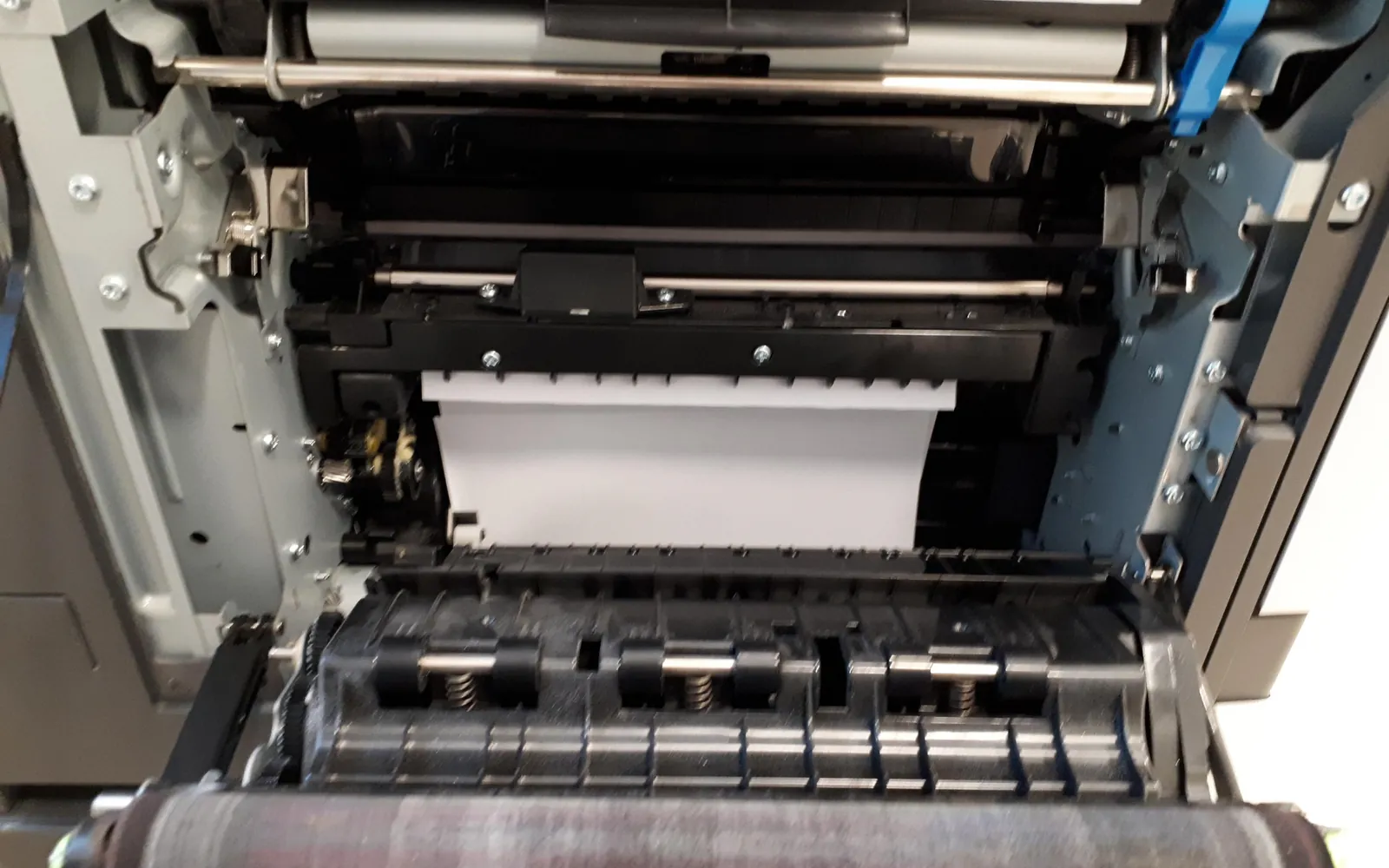
Open laser printer showing the paper path and rollers
Paper jams and feeding Printer paper jam but no paper? How to find the cause Printer paper jam but no paper inside? Find torn scraps, check the carriage path and rollers, reset the sensors and know when a false jam is a hardware fault. October 14, 2026