Skip to content
Fix a Printer
Menu

Topics

Print quality problems

Blank pages, lines, streaks, banding and smears on inkjet and laser printers: how to read the page and fix the cause.

Close-up of toner powder on a laser printer photosensitive drum
Print quality Laser printer ghosting: why faint copies repeat down the page and how to stop it Laser printer ghosting puts faint copies of text further down the page. Check paper type, humidity, drum and fuser in order, and learn which part to replace. October 14, 2026
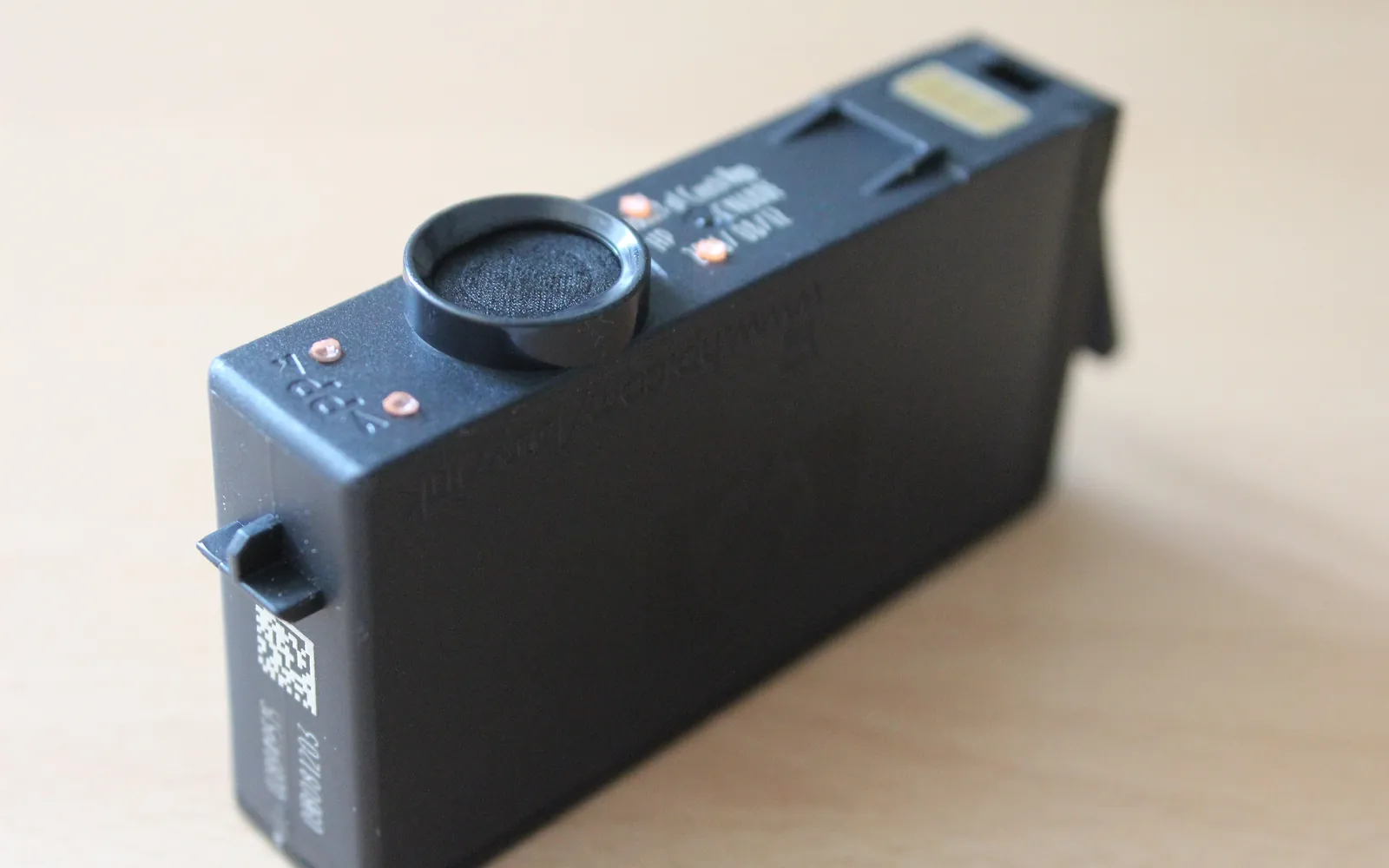
Close-up of the metal electrical contacts on an inkjet ink cartridge
Print quality Printer not printing black: how to find the cause and fix it Printer not printing black but colour works? Check the cartridge and settings, clean blocked nozzles and contacts, and learn when a head or drum must go. October 14, 2026
Inkjet ink cartridges in different colours laid out side by side
Print quality Printer printing faded: why prints come out pale and how to fix it Printer printing faded or pale? Check ink and toner, switch off economy mode, match paper type, clean the print head and know when a drum or cartridge is due. October 14, 2026
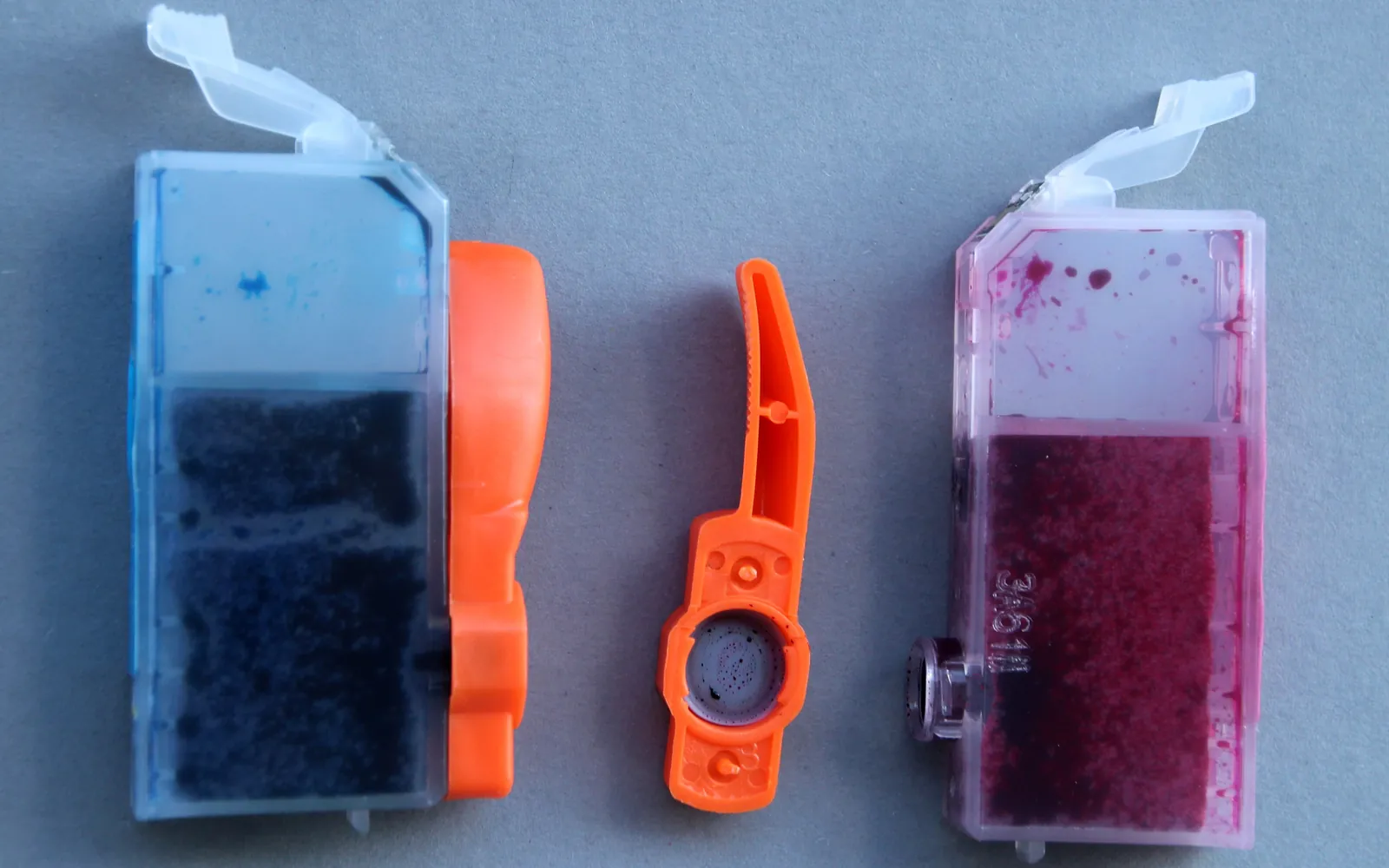
Two used inkjet cartridges with ink visible through the casing
Print quality Printer printing blank pages: causes and fixes Printer printing blank pages? Check for protective tape, empty or dried ink, clogged nozzles, toner seals and wrong settings, in order, for inkjet and laser. October 14, 2026
Close-up of toner powder on a laser printer photosensitive drum
Print quality Printer printing lines or streaks: what causes them and how to fix it Printer printing lines or streaks? Tell inkjet banding from laser drum marks, run the right cleaning, align the head and know which part to replace and when. October 14, 2026
Cyan, magenta, yellow and black inkjet cartridges laid out side by side
Print quality Printer printing wrong colors: how to find the cause and fix it Printer printing wrong colors? Read the colour cast, run a nozzle check, fix grayscale and colour management settings, calibrate a laser, know what to replace. October 14, 2026
Sheets of paper feeding into the input tray of a desktop printer
Print quality Printer smudging ink: why prints smear and how to stop it Printer smudging ink or toner? Match the paper setting, clean rollers and platen, fix curled paper and spot a worn fuser, with separate inkjet and laser steps. October 14, 2026