Print quality
Printer leaking ink: how to find where it comes from and stop it
Written by Fix a Printer Editorial Team · Updated
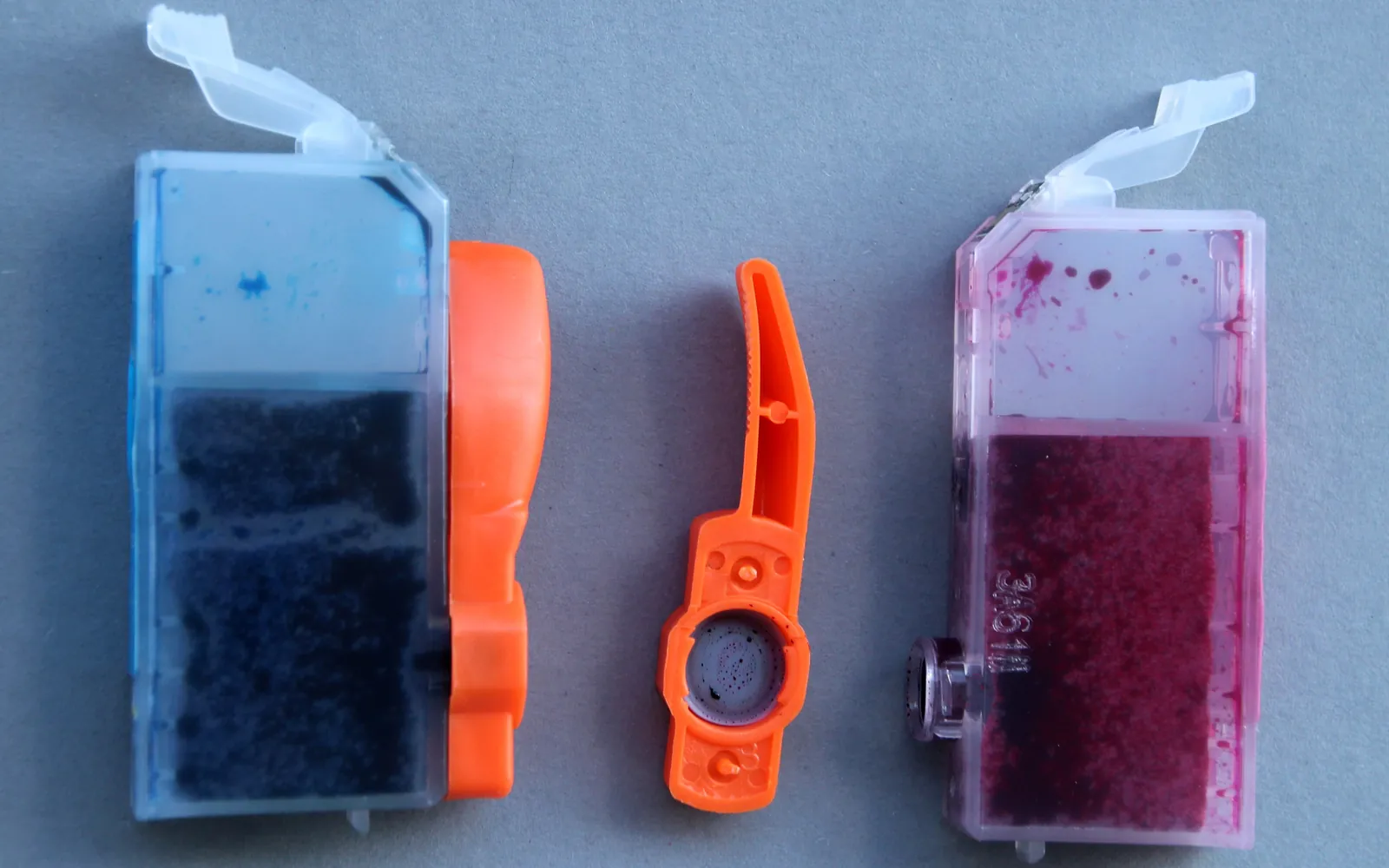
A printer leaking ink needs attention straight away. Ink stains desks and carpets, and liquid ink reaching circuit boards can damage the printer for good. The good news is that the source is usually easy to find, and many leaks come from a single damaged cartridge or an overfilled tank rather than the printer itself. This guide helps you contain the mess, find the source and decide what to do.
First: unplug and protect
- Switch the printer off and unplug it.
- Put paper towels or old newspaper under and around the printer.
- If ink is dripping from the base, move the printer onto a tray or into a sink area only if you can lift it level; tilting can make things worse.
- Wear gloves if you have them. Ink washes off skin with soap and water, but it can stain clothes permanently.
Step 1: Find where the ink is
Open the cartridge or tank access cover (with the printer unplugged) and look, with a torch, at each of these places:
- On or around a cartridge: the cartridge itself is leaking.
- Around the ink tanks or along the tubes on a refillable tank printer: a tank, cap or tube.
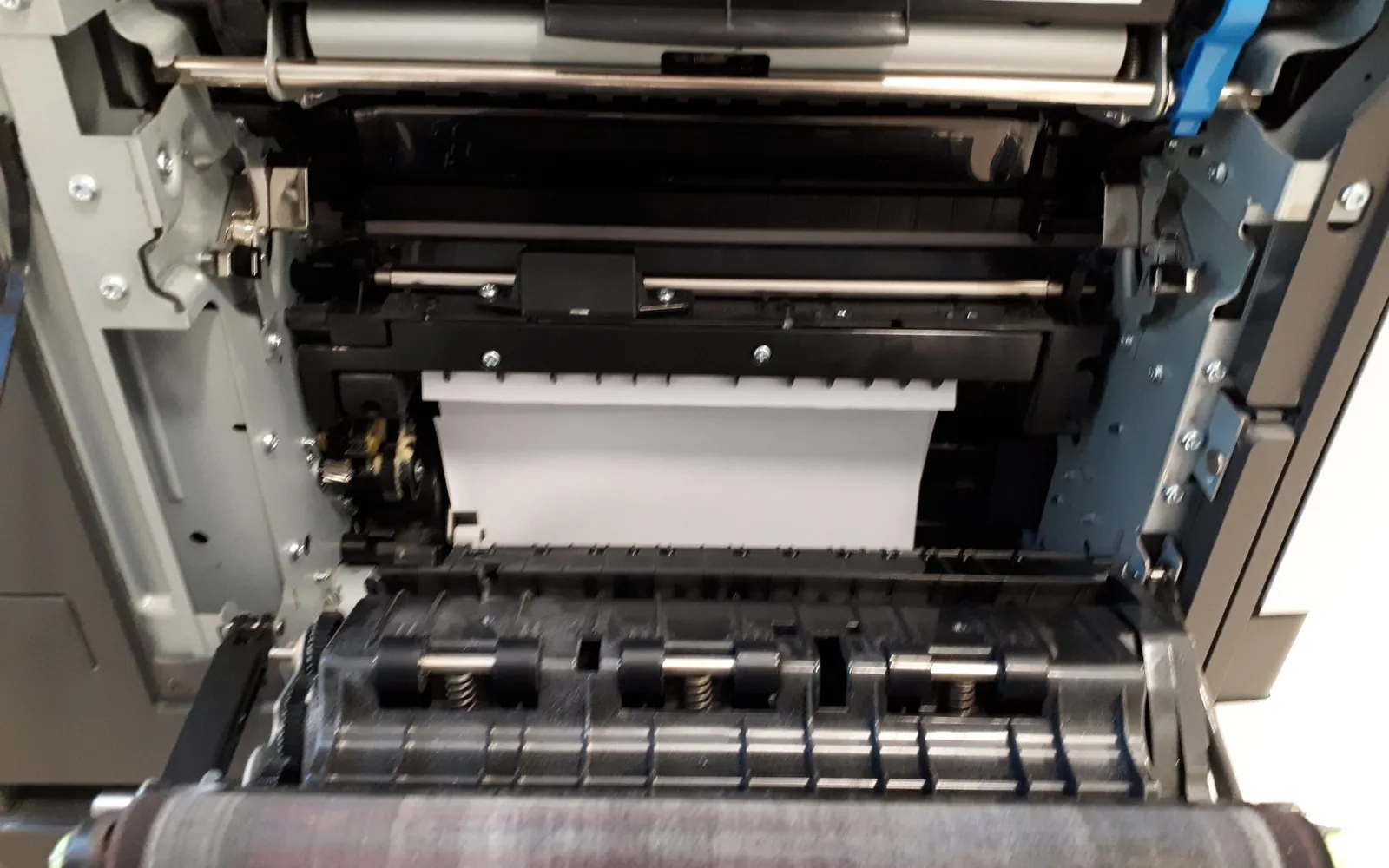
- On the paper path, platen or rollers inside: ink from the head or a cartridge has dripped, or overspray has built up.
- Under the printer or seeping from the base: often the waste ink pad, sometimes a tank leak running down.
- Only on the paper, not in the printer: a smudging or drying problem rather than a leak. See printer smudging ink.
Step 2: A leaking cartridge
Cartridges leak when they are damaged, dropped, stored on their side, refilled, or exposed to big changes in temperature or air pressure, for example after being shipped.
- Remove the leaking cartridge and wrap it in paper towel.
- Gently dab ink from the cartridge bay with paper towel. Do not touch the electrical contacts or the print head nozzles, and do not spray or pour any liquid.
- Fit a new cartridge. Store spares upright in their sealed packaging until you need them.
- Check whether the leak came from one cartridge only. If every cartridge you fit leaks, the problem is in the holder or the head.
Refilled cartridges leak more often, especially when overfilled or when the refill hole is not sealed. If you refill, follow the kit’s instructions closely, or switch to new cartridges if leaks keep happening. A cartridge that is refused after a leak may need its contacts cleaned; see cartridge not recognized.
Step 3: Ink tank printers
Printers with refillable ink tanks carry a lot of ink, so leaks are larger.
- Overfilling: fill only to the upper line marked on the tank. Many refill bottles stop automatically, but not all do.
- Open caps: close every tank cap fully after refilling and make sure the cover over the tanks is closed.
- Transport: moving a tank printer with ink in it, or tilting it, can push ink into places it should not be. The user guide explains how to prepare the printer for transport, which on some models includes a transport lock. Keep it level.
- Tubes: on some models you can see the ink tubes. If one is cracked or loose, that is a service job.
Step 4: Ink inside on the paper path
Ink on the platen (the surface under the paper) or on the rollers comes from overspray during borderless printing, from printing on paper smaller than the page size set in the document, or from a drip.
- With the printer unplugged, dab the visible ink with paper towel or a lint-free cloth lightly dampened with water.
- Let it dry fully.
- Print a few sheets of plain paper to pick up any last traces.
- In future, set the paper size in the print dialog to match the paper loaded, so the printer does not print past the edge.
Step 5: Ink under the printer
Inkjets send ink from cleaning cycles and borderless printing to a waste ink pad or maintenance box in the base. When it is saturated, ink can seep out. If the display mentions an ink pad, ink absorber or maintenance box, or you see ink under the printer with no other source, read printer ink pad full. Stop using the printer until it has been checked; a full pad will not get better.
After the leak: getting print quality back
A leak can leave ink on the print head or dry ink in the nozzles. Print a nozzle check and, if it shows gaps, run one cleaning cycle and check again. If colours are wrong after a leak, see printer printing wrong colors. If there are lines or streaks, see printer printing lines or streaks.
When to stop and get help
- Ink has reached the electronics, or the printer smells of burning.
- Ink keeps leaking with new cartridges correctly fitted.
- A tube or tank is cracked.
- Ink is coming from the base and the printer reports a full ink pad.
In these cases, contact the maker’s support or a repair shop. For an older, low-cost printer, compare the repair price with a replacement.
Quick checklist
- Printer unplugged and the area protected.
- Source found: cartridge, tank, paper path or base.
- Leaking cartridge replaced and stored spares kept upright and sealed.
- Tanks filled only to the line, caps closed, printer kept level.
- Paper path cleaned and paper size matched.
- Ink under the printer treated as a possible full waste ink pad.
Frequently asked questions
Why is my printer leaking ink?
Common causes are a damaged or refilled cartridge, a cartridge that was dropped or stored on its side, an overfilled or uncapped ink tank, a printer that was tilted or moved with ink in the tanks, and a waste ink pad that is saturated. Changes in temperature or air pressure, for example after shipping, can also push ink out of cartridges.
Why is there ink under my printer?
Ink under the printer often comes from the waste ink pad or maintenance box in the base, which collects ink from cleaning cycles. If it is full, ink can seep out. It can also come from a leaking tank or tube. Stop using the printer and check the message on the display for an ink pad or maintenance box warning.
How do I clean leaked ink inside the printer?
Unplug the printer, then dab up ink you can reach with paper towels or a lint-free cloth lightly dampened with water. Do not pour liquid into the printer, do not touch the print head nozzles or electrical contacts, and let everything dry fully before switching on.
Why do I get ink marks on the back of the paper?
Ink on the platen or paper path transfers to the back of each sheet. That often follows printing on paper smaller than the page size in the document, borderless printing, or a leak. Clean the paper path, match the paper size, and see our guide to smudging.
Sources
Editorial team
The Fix a Printer team writes and updates independent printer troubleshooting guides, checking Windows and macOS steps against Microsoft and Apple documentation.